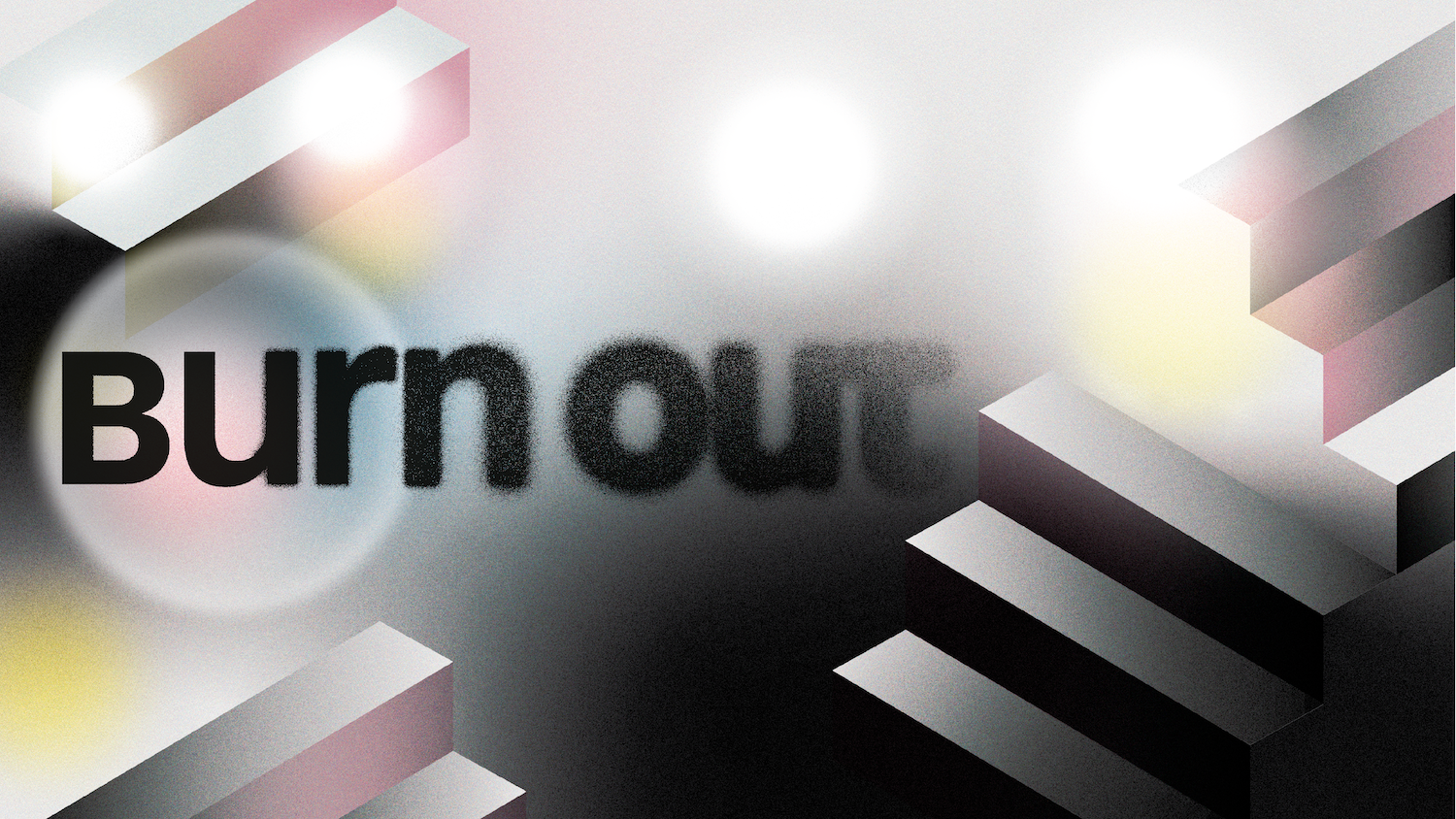
Burnout
A downloadable artgame
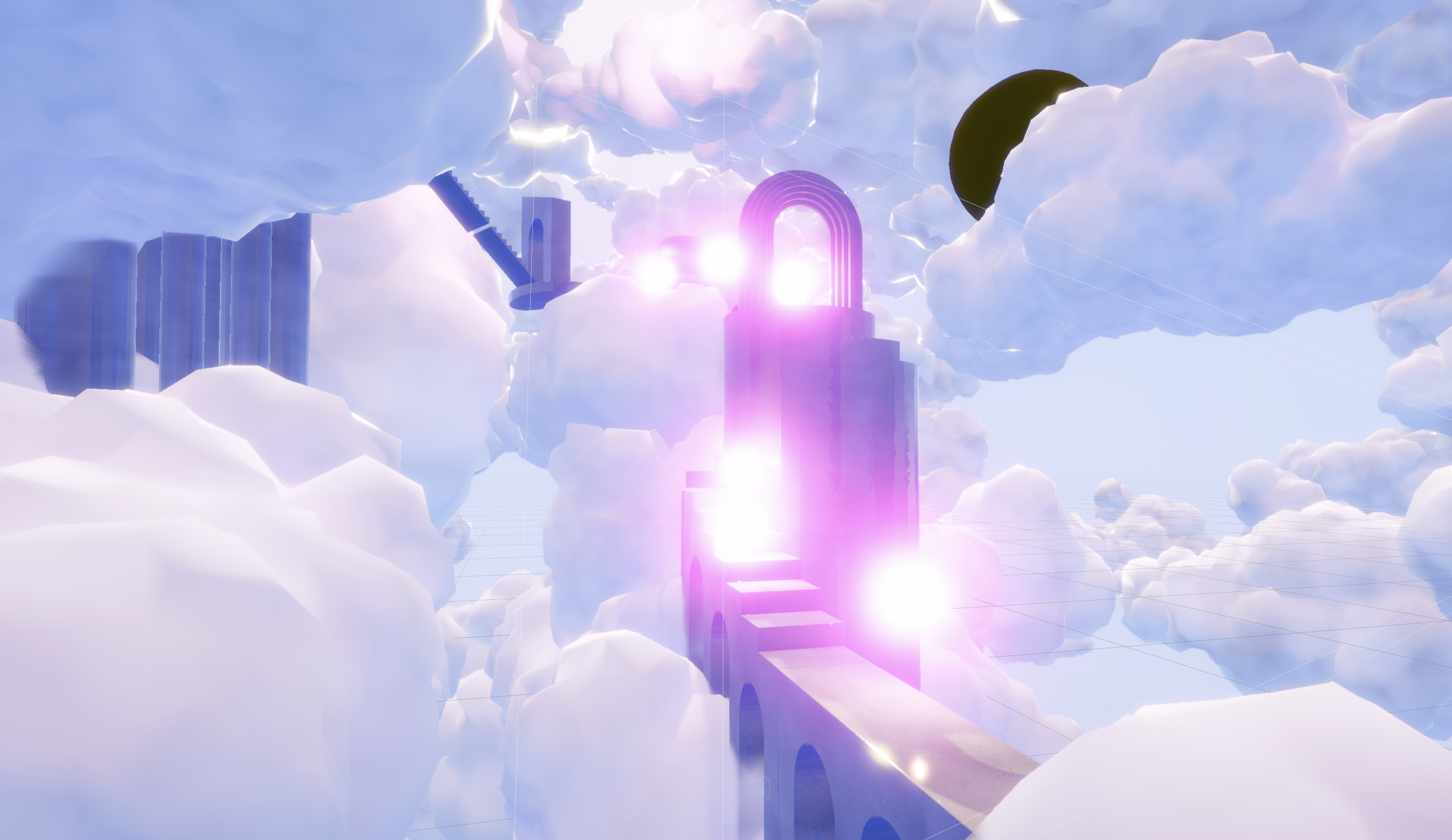
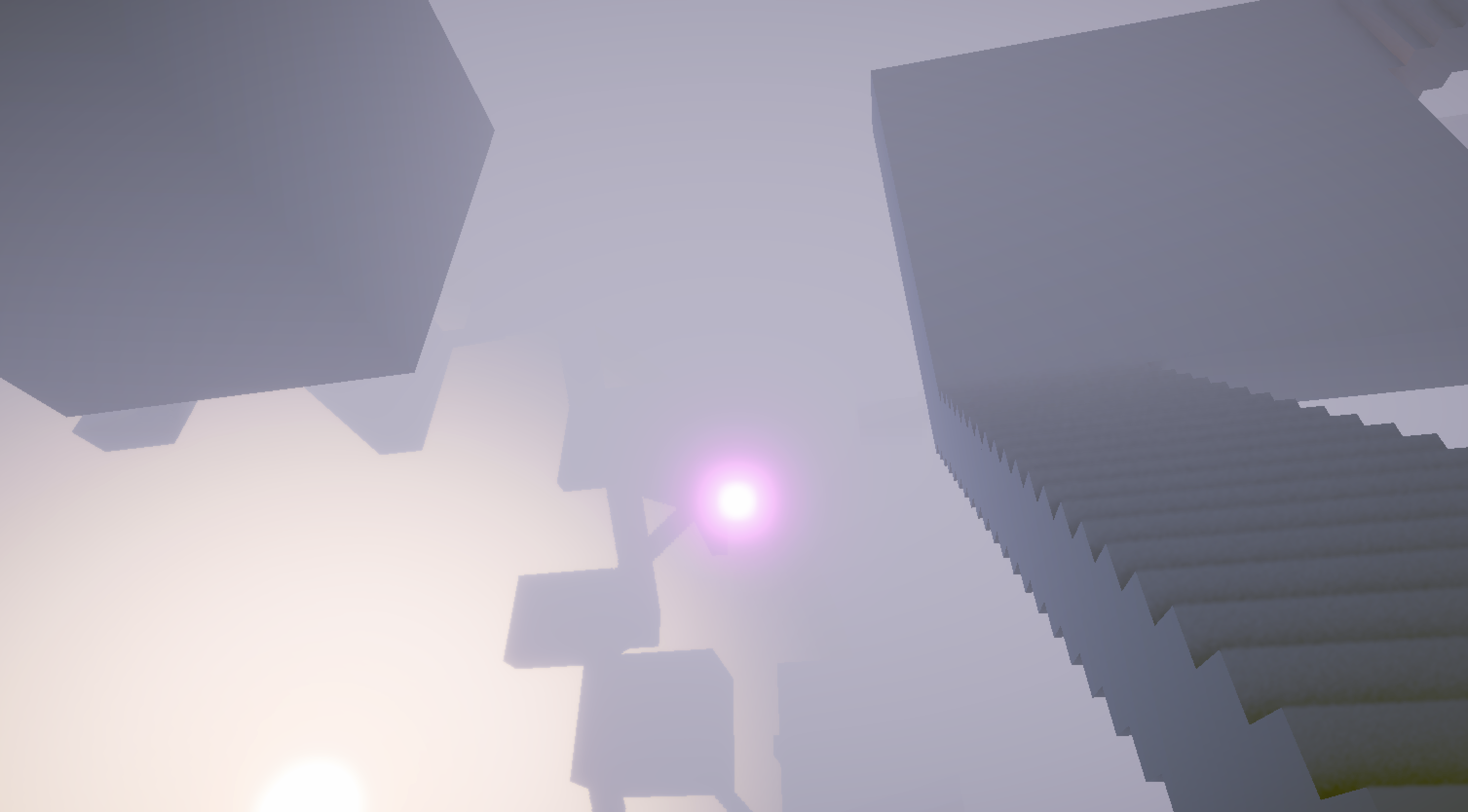
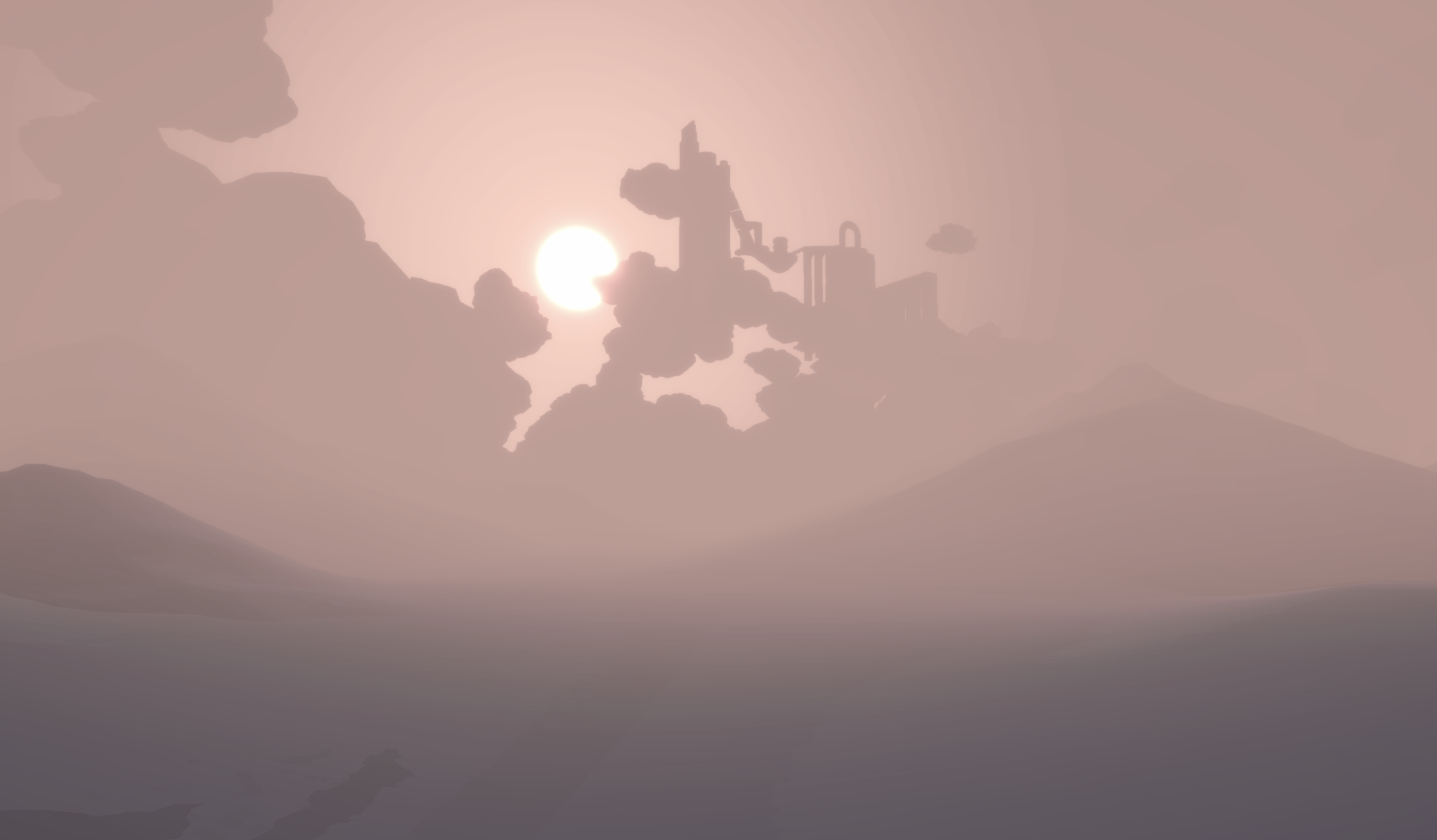
This is prototype 3 of a co-created art game on burnout. Its playtime is around 5 min. It is not the full experience, its aim is to test the player's reaction to:
- the emotional resonance of game mechanics featuring the two orbs
- the emotional resonance of the environment and the soundtrack
- functionality of the controls
More information on the project here.
To play:
- Move with the WASD or arrow keys
- Look around with the mouse or a touch pad with one finger
- Jump: Space
- Run: Shift
Press Ctrl/Command + Q at the end of the experience to quit the file.
-----
Creative Direction: Plamena Dimitrova
Co-created with: Evelina Miteva, Mona Bricke, GL
Technical Art Direction: Ilja Burzev
Creative Programming: Raya Litova
Music: Maximilian Shaikh-Yousef
Audio Design: Isak Berglund
Visual Identity: Izabela Markova
With gratitude to those who shared their stories: Petko Karadechev, Elitsa Popova, Mona Bricke, Evelina Miteva, Deniz Akyol, Karina RSB, GL
Developed in the course of the Master of Arts Programme Digital Narratives at the ifs Internationale Filmschule Köln.
Supervisors: Prof. Lena Thiele, Prof. Dr. Frédéric Dubois
Download
Install instructions
The builds are provided as compressed ZIP files. Please download the version corresponding to your operating system.
For Windows Users:
1. Download the Windows - Build_160726.zip file.
2. Right-click the folder and select "Extract All..." to unzip the files to your preferred location.
3 . Open the extracted folder and locate the exe application. Double-click the application to launch.
○ Note: If a "Windows protected your PC" blue screen appears, click "More Info" and then select "Run Anyway. "
For macOS Users:
1. Download the Burout_Mac_Build_160726.zip file.
2. Double-click the file to unzip it.
3. Double-click the app icon.
Security Note: Due to macOS security protocols for unsigned builds, the app may be blocked initially.To run the build:
○ Go to System Settings (or System Preferences).
○ Navigate to Privacy & Security.
○ Scroll down to the "Security" section and click "Open Anyway" next to the notification regarding the blocked app.
○ Enter your password if prompted and confirm by clicking "Open."
Leave a comment
Log in with itch.io to leave a comment.